

Our software
ZenBPM
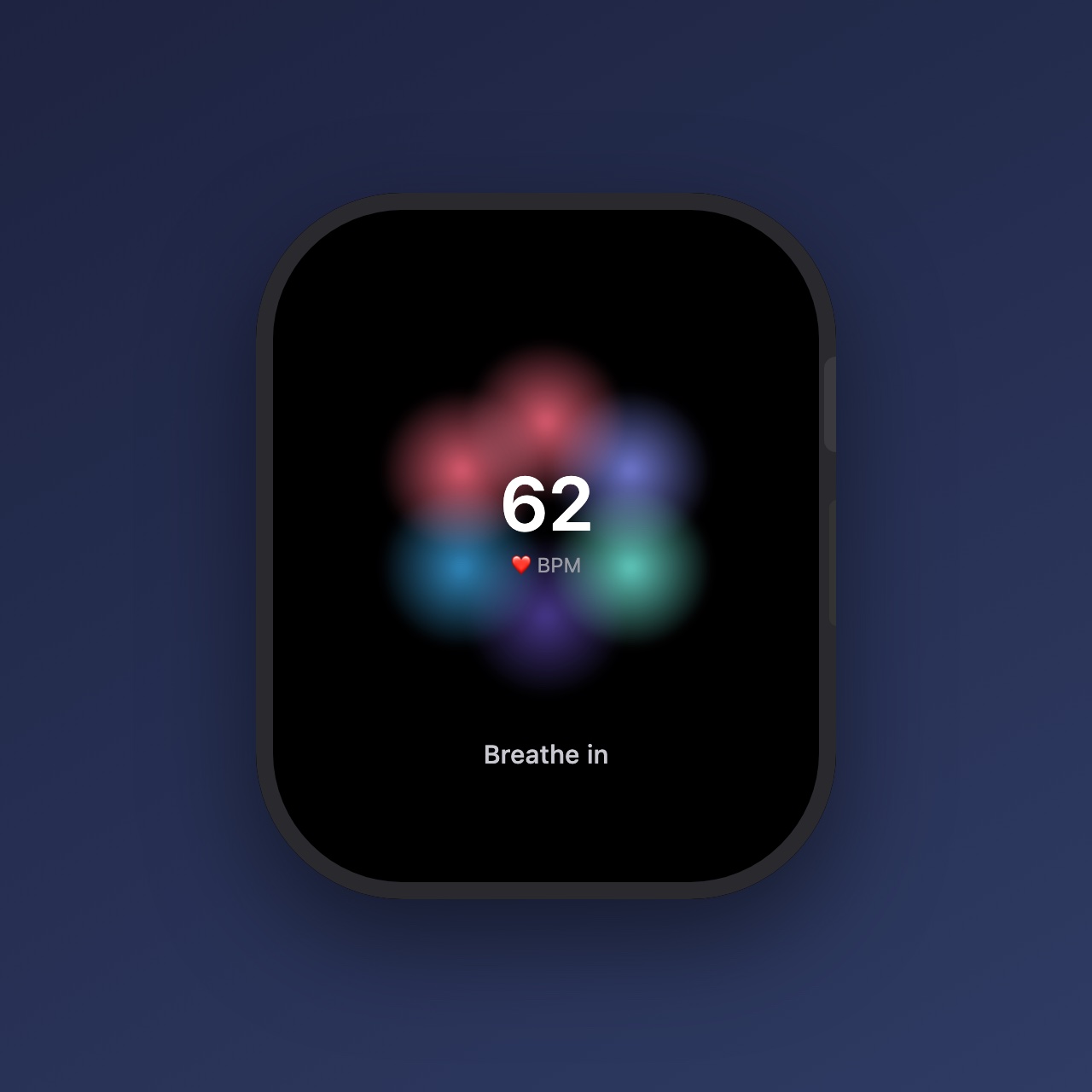
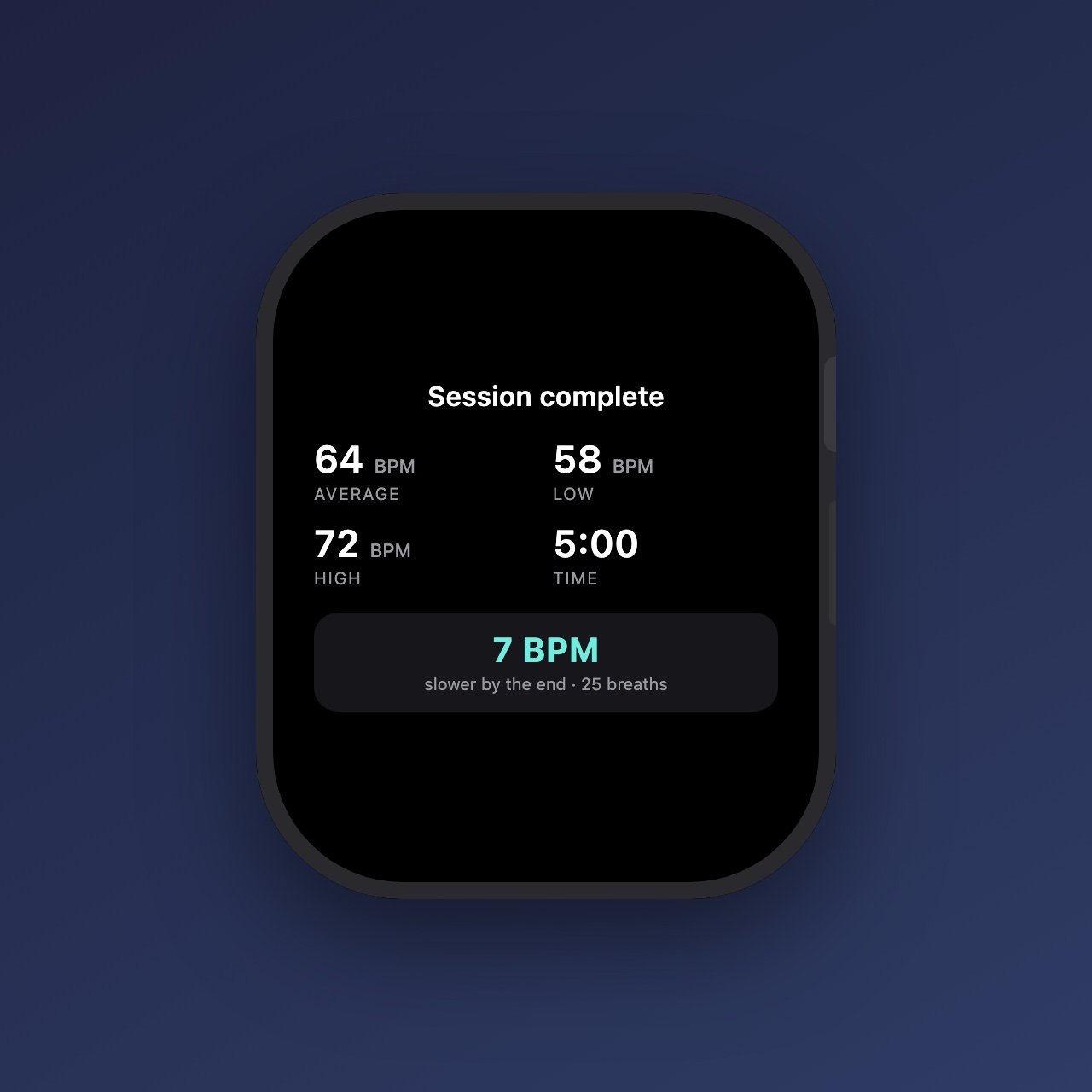
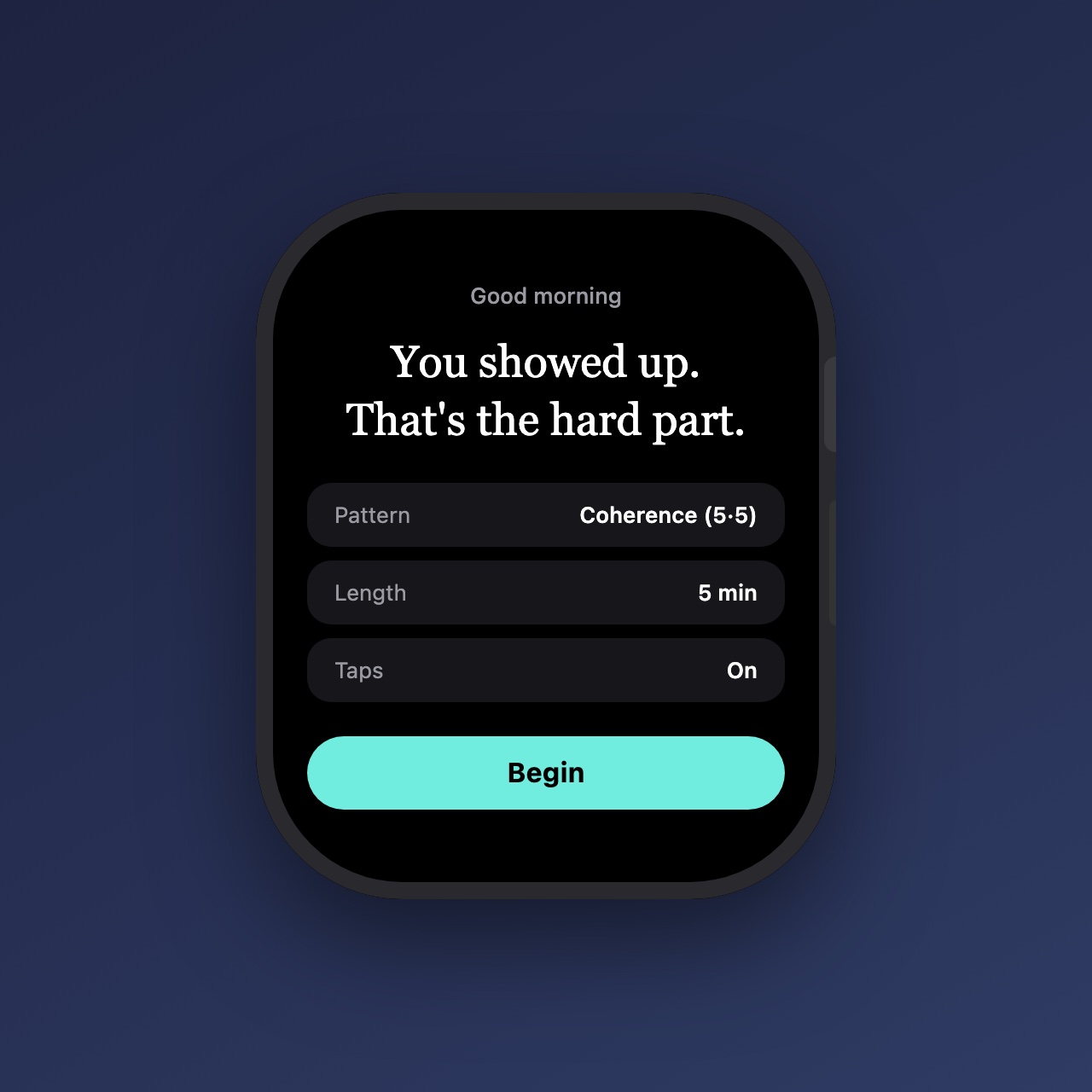
Breathe in. Watch the number come down. ZenBPM is a watch-only app: a slow breathing bloom to follow, with your live heart rate at the centre of it. Pick a cadence, breathe with the lights, and end with proof that it worked.
Rendered from the app's code with sample data.
Why ZenBPM
The calmest screen you own is on your wrist.
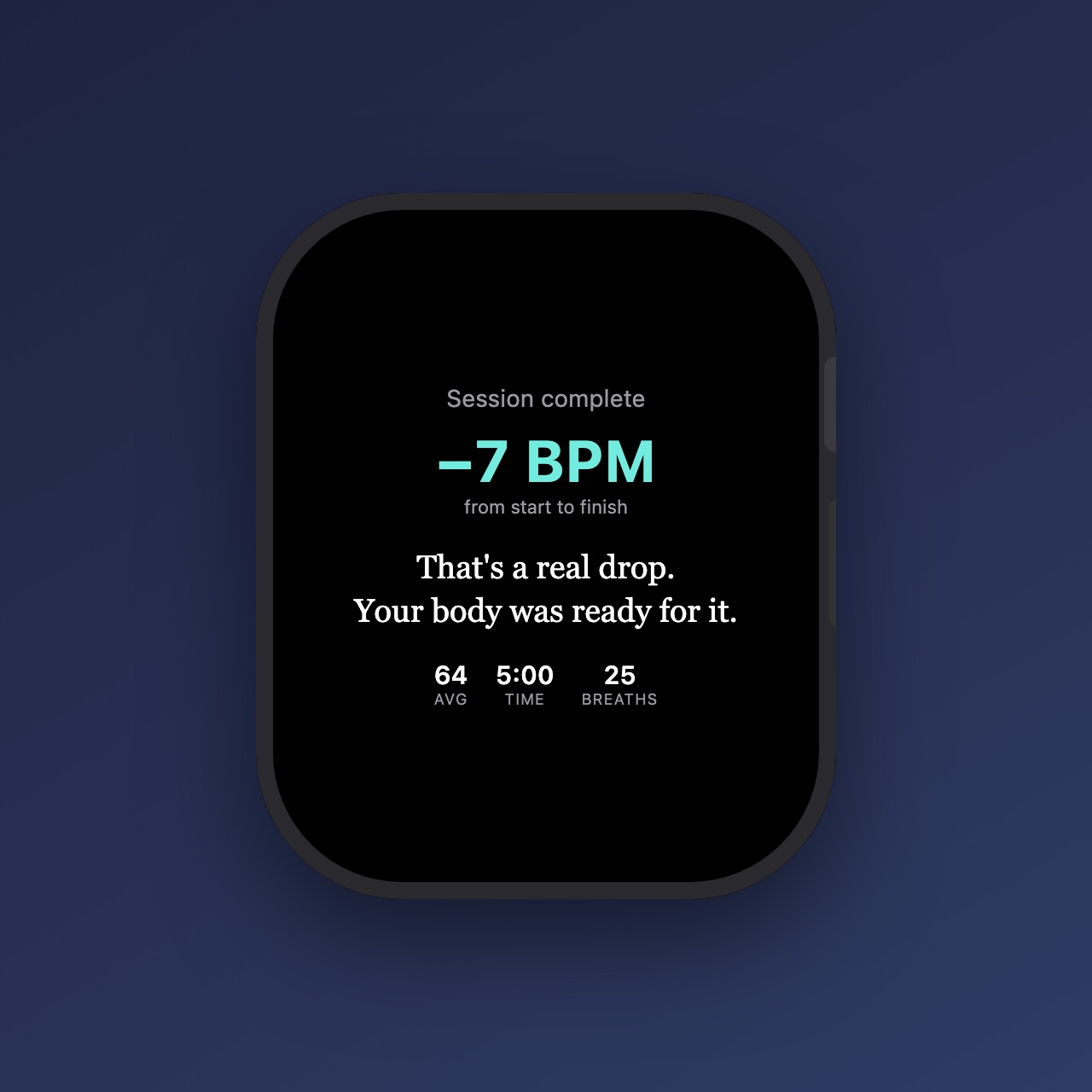
No phone, no feed, no streaks to maintain. Six soft lights open on the in-breath and draw back on the out-breath, eased the way a real breath pauses at the turns — and the session ends with the number that matters: how far your heart rate came down.
- Five cadencesCoherence (5·5), Calm (4·6), Box, 4-7-8, and Deep Slow — pick the breath, follow the bloom.
- Your live heart rateThe number at the centre is measured, not decorative — the heart glyph beats at your actual rate.
- Eyes-closed hapticsA distinct tap at each phase turn, so you can follow the pattern without looking.
- Counts in HealthSessions save as Mindful Minutes — the same place Apple's own Mindfulness app writes.
Two quiet minutes. On your wrist.
ZenBPM is heading to TestFlight — ask for access.
Request TestFlight access